


Creating and connecting to a database in MongoDB Atlas
MongoDB is one of the NoSQL databases in the market which are used for general purposes, and it is an open-source document database and built on C++.
This blog demonstrates the below items
-
Creating a Cluster in the cloud
-
Installing Mongodb Compass to connect
-
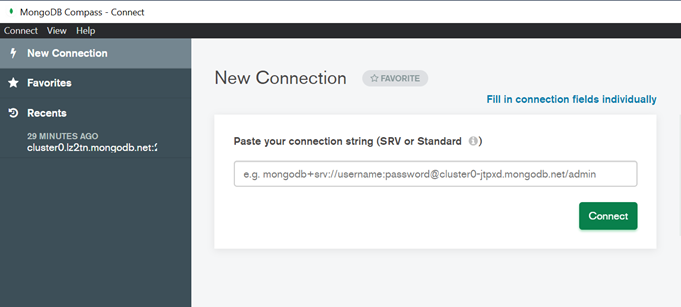
Connecting to MongoDB cluster using Compass
-
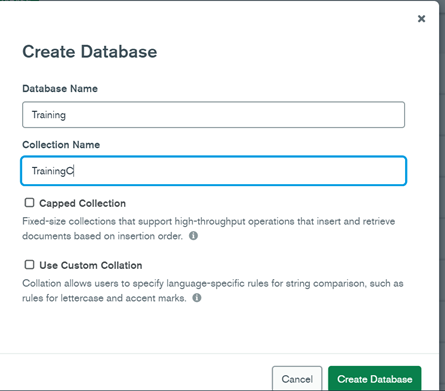
Creating a Database
Terminology used in MongoDB:
Database: It is a Physical Container for collections.
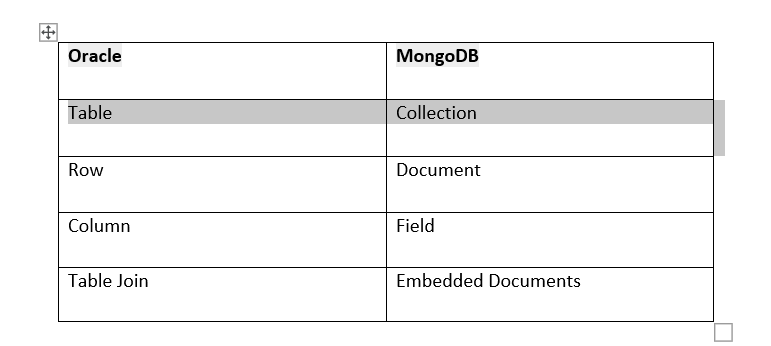
Collection: It is a group of MongoDB documents. It is equal to a table in SQL databases such as Oracle.
To compare Oracle SQL and nosql MongoDB objects we can compare as below.
MongoDB is one of the NoSQL databases in the market which are used for general purposes, and it is an open-source document database and built on C++.
This blog demonstrates the below items
1. Creating a Cluster in the cloud
2. Installing MongoDB Compass to connect
3. Connecting to MongoDB cluster using Compass
4. Creating a Database
Cloud Options
MongoDB Atlas is a global cloud database service built on AWS, Azure, and Google cloud. We can deploy ,operate and scale a MongoDB database in just a few clicks. Here we will discuss on creating MongoDB in Cloud.
Login to
https://cloud.mongodb.com/ using google account.
We can create a database using the below steps after logging to https://cloud.mongodb.com
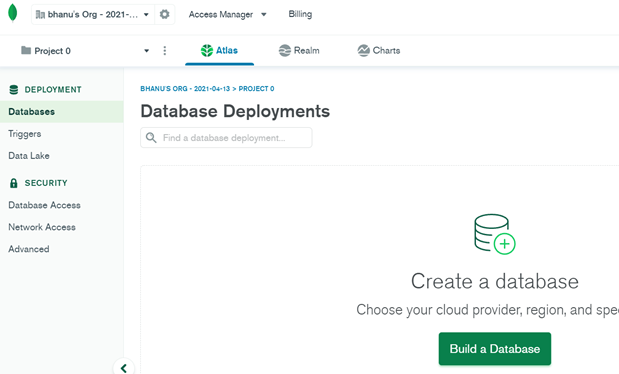
Click on Build a Database.Choose the free option “Shared” for now
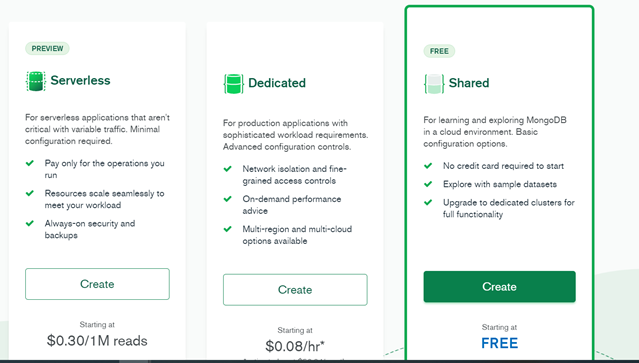
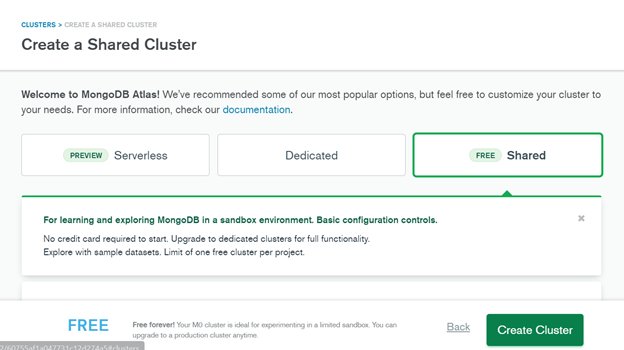
Select any Cloud service provider, here I chose Azure.
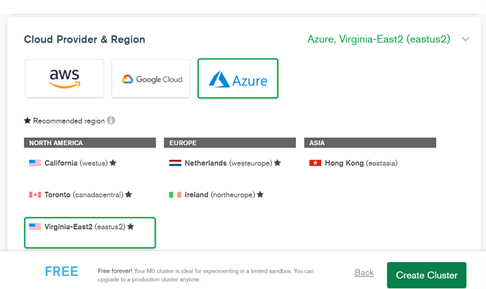
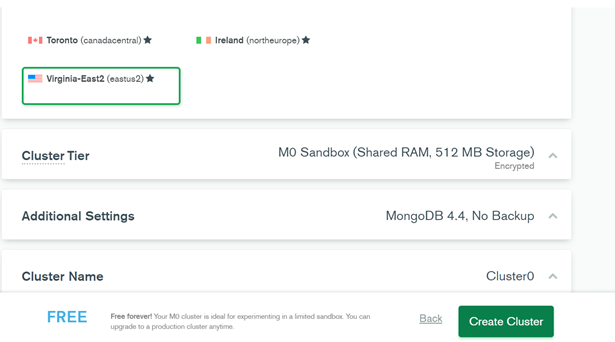
Click on “Create Cluster”
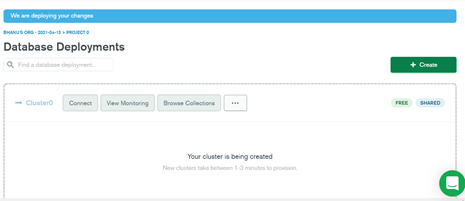
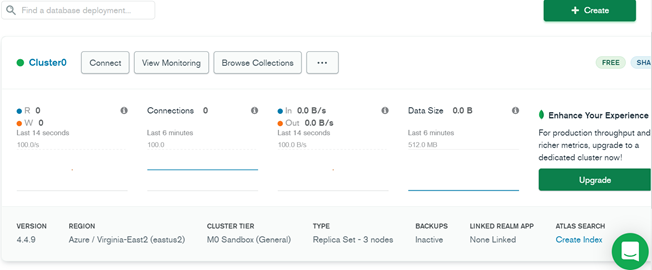
Once the cluster is created ,in network access, add the IP entry to get access from your local desktop.
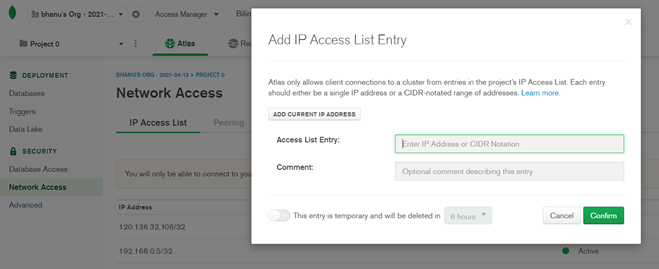
We also create database user for cluster to access cluster.
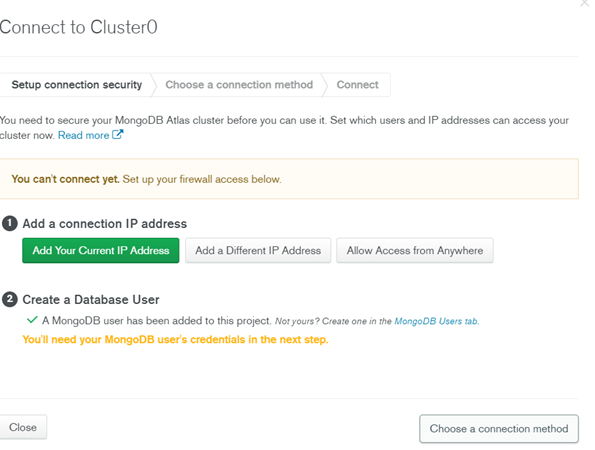
We then use MongoDB Compass to connect to the cluster.
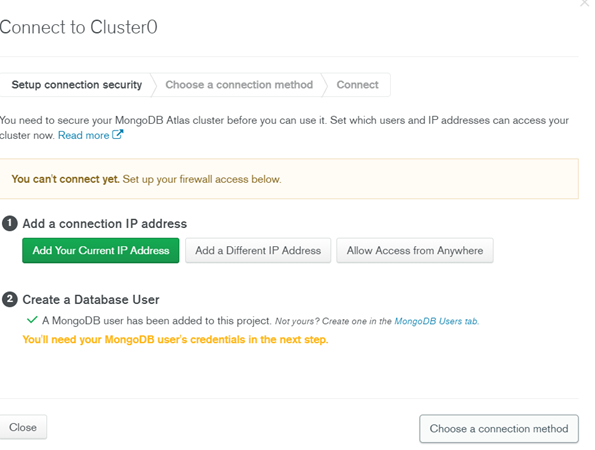
Installing MongoDB Compass:
Download software using URL ,for windows File
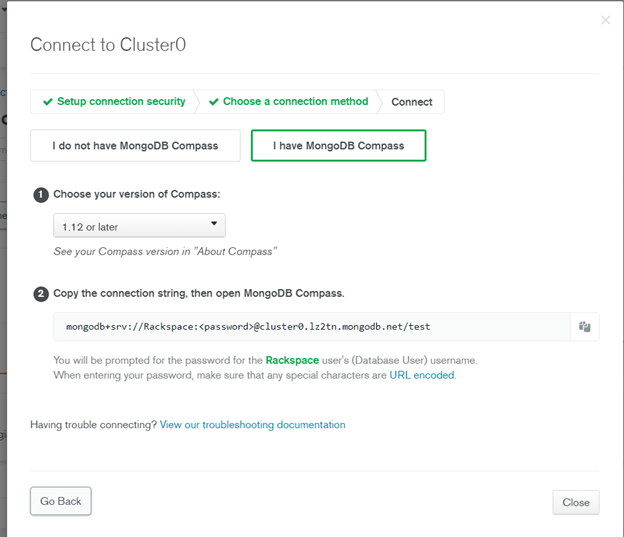
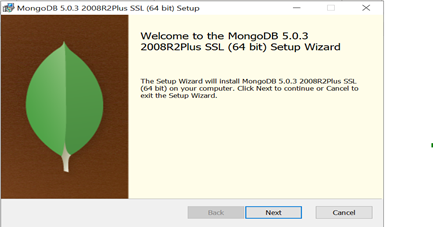
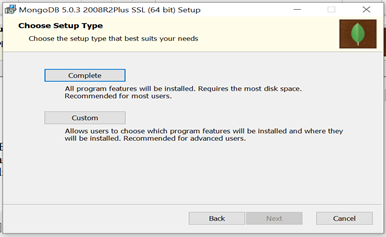
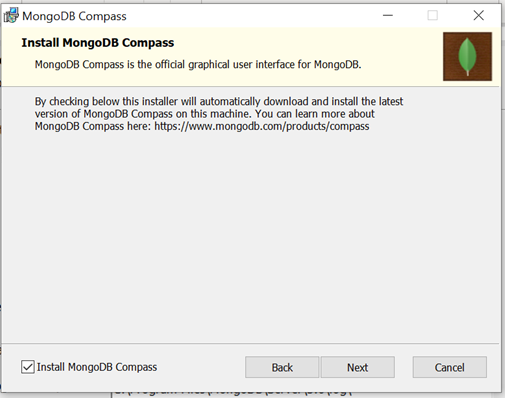
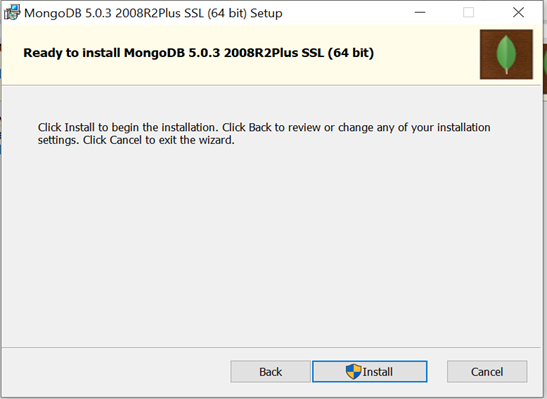
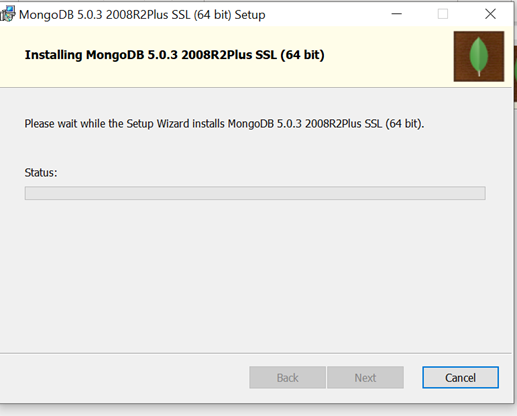
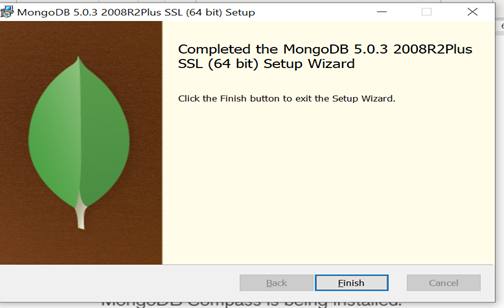
Once Installed open Mongodb Compass
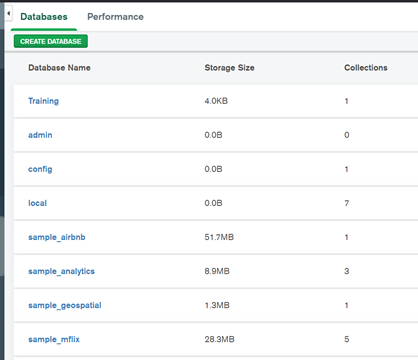
I have created a “Training” Database in below screenshot with single click as create database.
Conclusion
This process describes how we can create a cluster in ATLAS and MongoDB database in the cluster.
Explore Related Articles

Design a Connected Healthcare Cloud for Epic, Data and AI
Explore how a connected healthcare cloud can help you bring Epic, data, analytics and AI together while keeping the environment
Read article

Right Workload, Right Place for Regulated Industries
Strategic workload placement helps regulated organizations maintain control, demonstrate resilience and govern AI in production.
Read article

Governing AI Agents Starts With the Infrastructure Beneath Them
Explore the identity, access, policy and operational controls that help organizations deploy AI agents safely across critical infrastructure.
Read article

The Cyberattacks That Never Cross Your Firewall
Discover how Rackspace Managed Digital Risk Monitoring helps identify threats beyond your network, using human-led intelligence to assess risks and
Read article